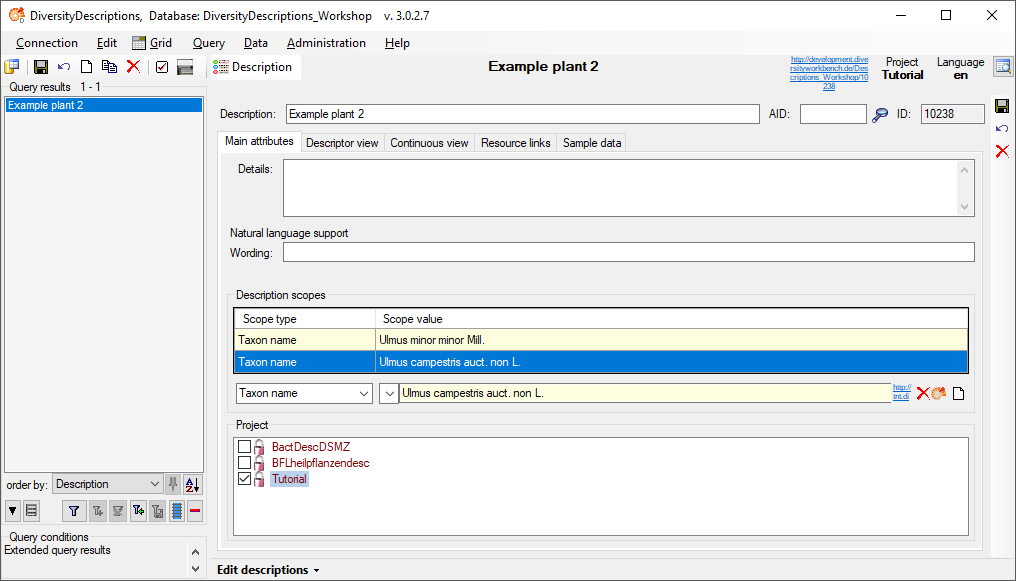
If you are connected to a DiversityDescriptions database (see menu Connection - Module connections ...
), and you select the option
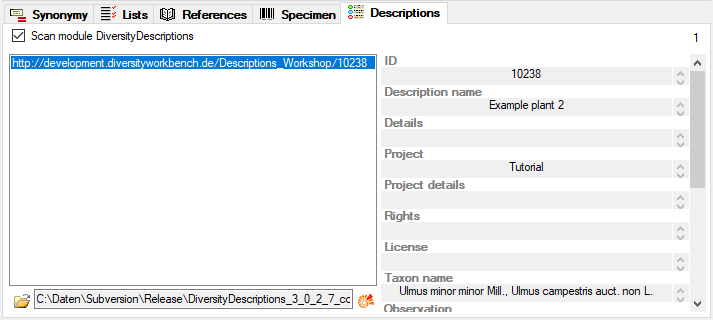
 Scan module DiversityDescriptions the program will search in all
available databases for descriptions linked to the current name. If you select an entry from the list the basic data as
provided by the module DiversityDescriptions are shown. To see the details
of the data you have to set the link to the software
DiversityDescriptions.exe with a click on the
Scan module DiversityDescriptions the program will search in all
available databases for descriptions linked to the current name. If you select an entry from the list the basic data as
provided by the module DiversityDescriptions are shown. To see the details
of the data you have to set the link to the software
DiversityDescriptions.exe with a click on the  botton (see below).
After this link is set, you can click on
the  botton to open the software with the details of the selected
dataset (see below). For an introduction see
a short tutorial
botton to open the software with the details of the selected
dataset (see below). For an introduction see
a short tutorial  .
.