After the relations between the species and the
families are imported we proceed with the hierarchical relation between families
and the order. Choose Data ->  Import Wizard ->
Import Hierarchy ... from the menu.
Import Wizard ->
Import Hierarchy ... from the menu.
As described in the previous steps, open the file
ImportTutorial.txt shipped with this application. In the
 Merging step set the table on
  Merge (see below).

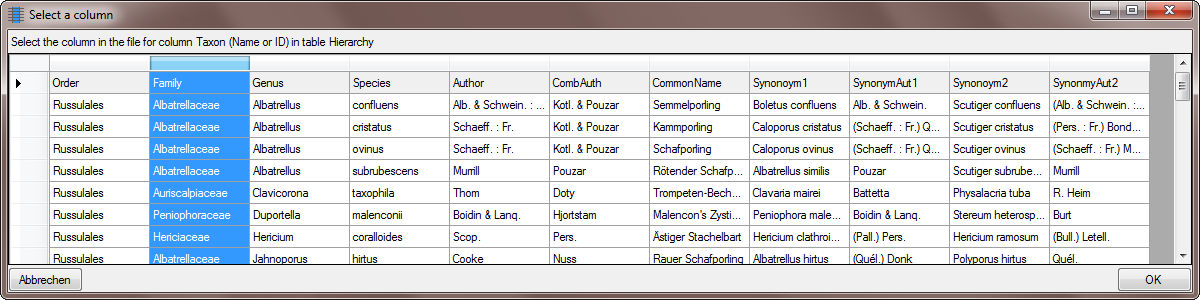
As described in the previous step, select the
project of your choice and set the columns Taxon and
Higher Taxon to
 From file.

Click on the
 button to select the source for
the family (see below).
button to select the source for
the family (see below).
... and the orders as shown below.
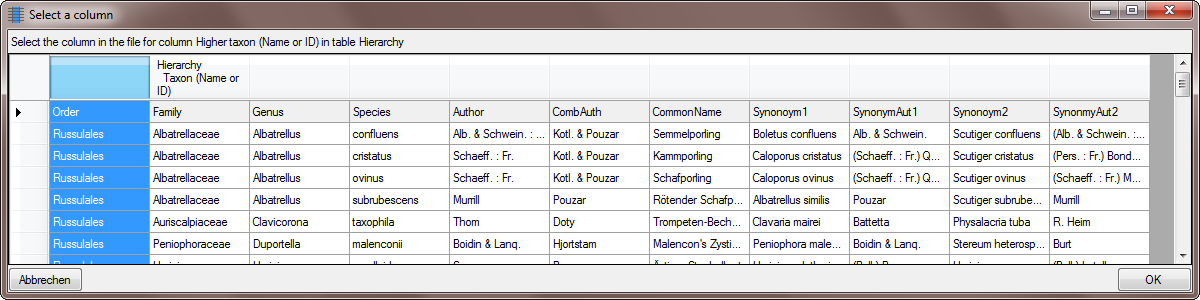
Additionally you must select these columns as
 Key columns, used to compare the data
from the file with the content in the database (see below).
Key columns, used to compare the data
from the file with the content in the database (see below).

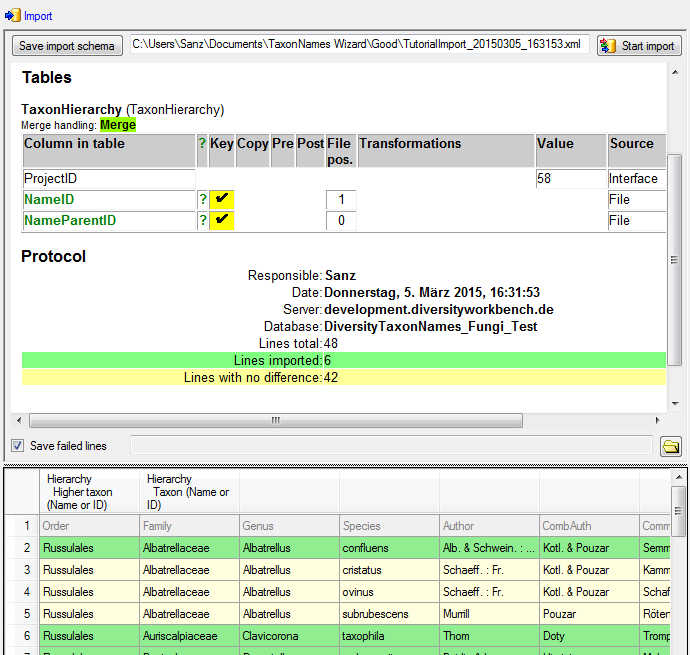
A final test before importing the data turns positive (see below).
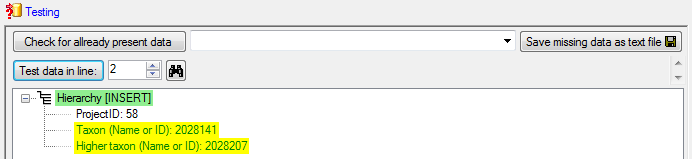
Now we are ready to import the relation into the database. For every family this relation will be imported only once (see below).
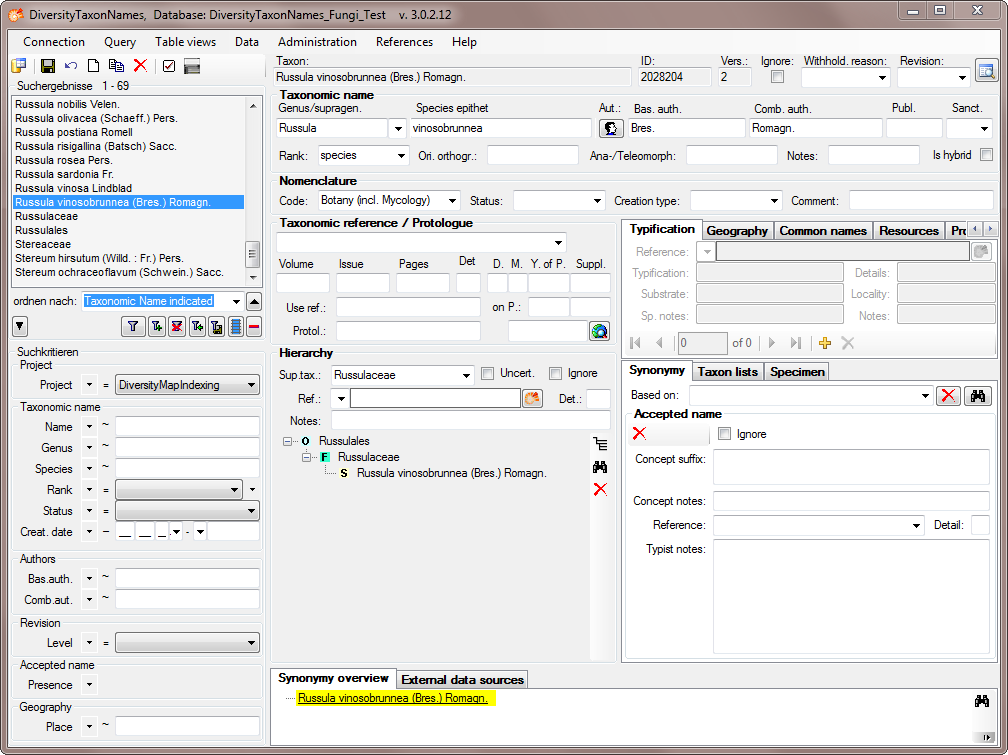
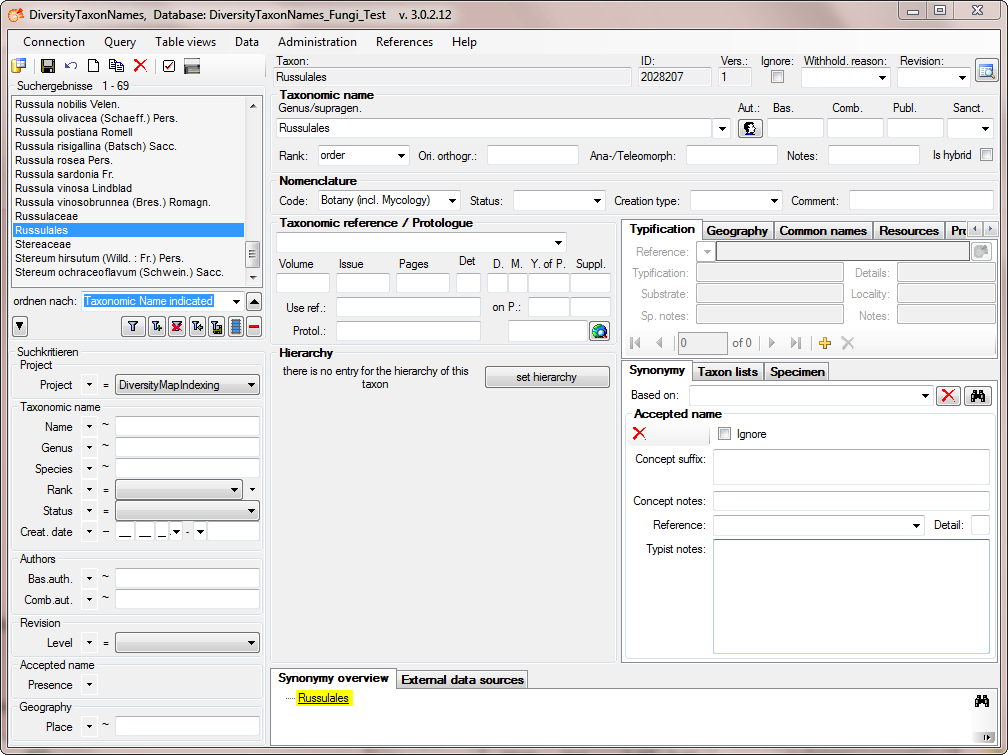
As a last step, search for the highest taxon "Russulales" in the hierarchy in the main from and click on the button set hierarchy (see below) .
After the hierarchy for the Russulales is set, all imported name will show the complete hierarchy as shown in the example below.