
To run DiversityTaxonNames you need the database and the client. All parts can be downloaded for free from http://www.microsoft.com/downloads/ and http://www.diversityworkbench.net/Portal/.
The image below gives an overview of the installations and files needed.

The client is based on the .Net framework version 4.8 from Microsoft. If not already present, the software will lead you to the download - website and will ask you for installation (including restart of computer). Download the installer, unzip and start it.
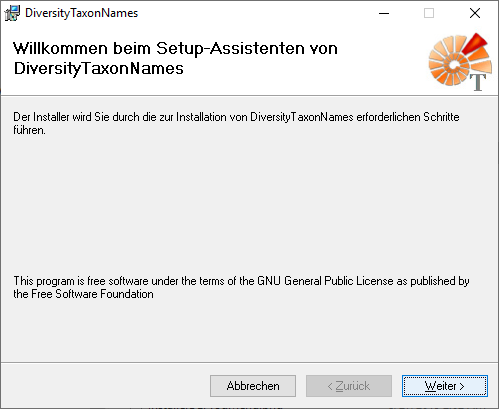
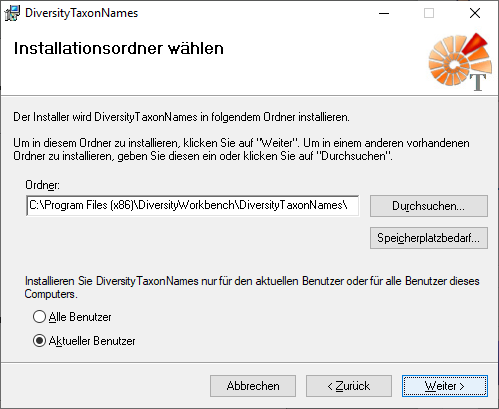
If you need to change the location of the software, this can be done in the next step (see below).
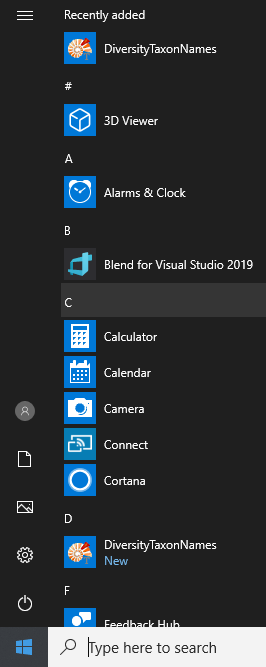
After the installation is done, the software will be included in the programm menu (see below) and a shortcut on the desctop will be created.
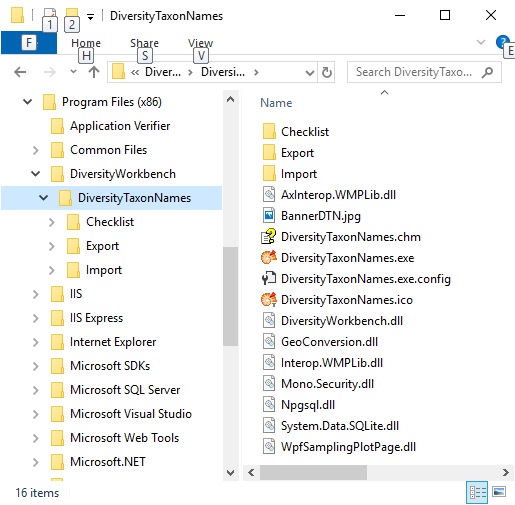
The software will be placed in the programs directory as shown below.
After the installation make sure to get the latest updates from http://windowsupdate.microsoft.com/.
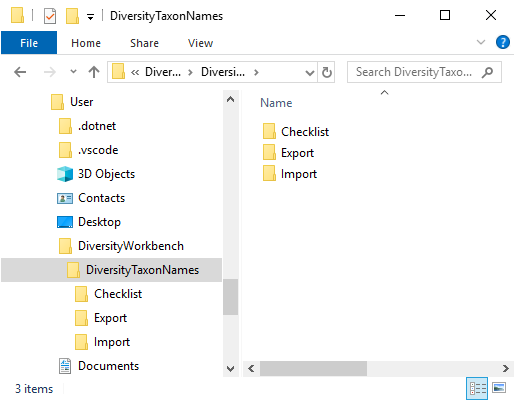
The files created by the software the user needs access to will be placed in the home directory of the user as shown below.
For the installation of a local database see the section Installation of the database.