
The Diversity Workbench is a set of components for building and managing biodiversity information, each of which focuses on a particular domain. Each module provides services for the other modules. To use the service of a module, you need access to the database of the module and optionally the module application placed in your application directory. Entries related to an external module have a standard interface in the main form. There are 2 states of this interface:
1 - the value is only set in the local database with no connection to the remote module

In this state, you can either type the value or select
it from the values that are already available in the database. To get a list
of the available values type the beginning of the value (you may use wildcards)
and click on the  button. If you want
to set a relation to the remote module, click on the
button. If you want
to set a relation to the remote module, click on the  button. A form will open where you may select an entry from the foreign
database.
button. A form will open where you may select an entry from the foreign
database.
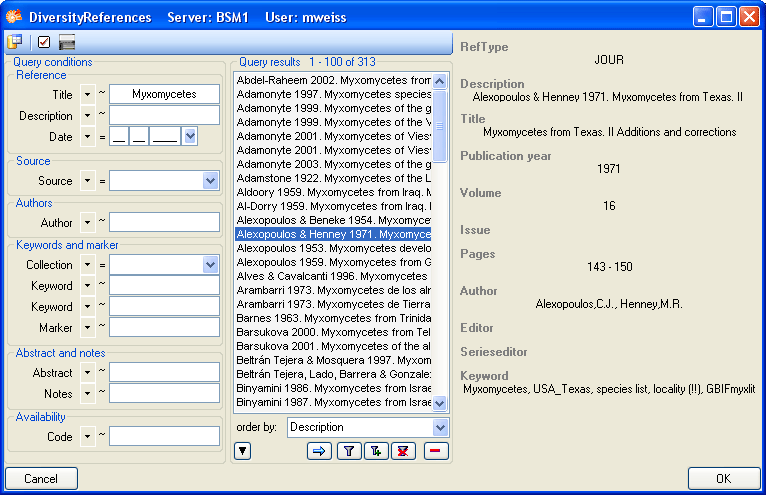
2 - the value is related to the remote module

If the value has a relation to the remote module, the
interface will appear as shown above. To release the connection to the remote
module click the  button. If you need
further information about the value, click the
button. This will open a form, showing an overview of the related value.
button. If you need
further information about the value, click the
button. This will open a form, showing an overview of the related value.
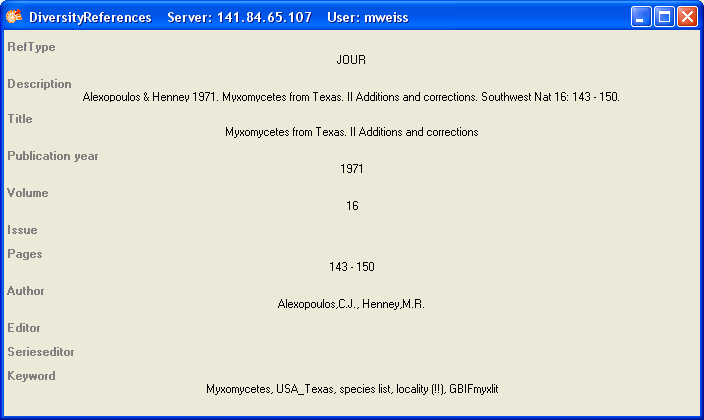
If the client application of the module is
available you can inspect the details of the entry. To start the
client application of the remote module, just click on the
button.