Diversity Sampling Plots

Server activity
To see the current activity on the server click on the
button. A window as shown below will open
listing all user related processes on the server.
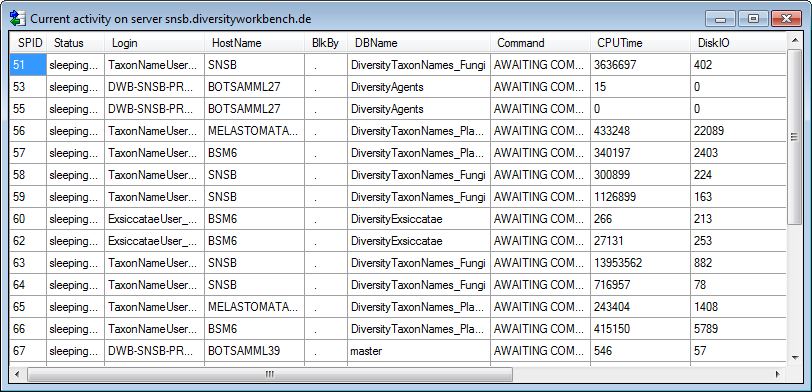
With the button  Refresh at the buttom of the form you can refresh the list.
With the permissions for ending processes at the base of the form the button  Kill selected process will be visible. Use this button to stop a select a certain process in the list.
If the column BlkBy contains a value, that means, that this process is blocked by another process, identified by its SPID. If you are sure, that the blocking process can be stopped, you can select it and stop it with a click on this button.